
DSH Vision Toolkit
Provide agent-callable tools for image Q&A, long-screenshot OCR, crop, pixel and color checks, UI reconstruction, and visual diffs.
Project overview
Provide agent-callable tools for image Q&A, long-screenshot OCR, crop, pixel and color checks, UI reconstruction, and visual diffs.
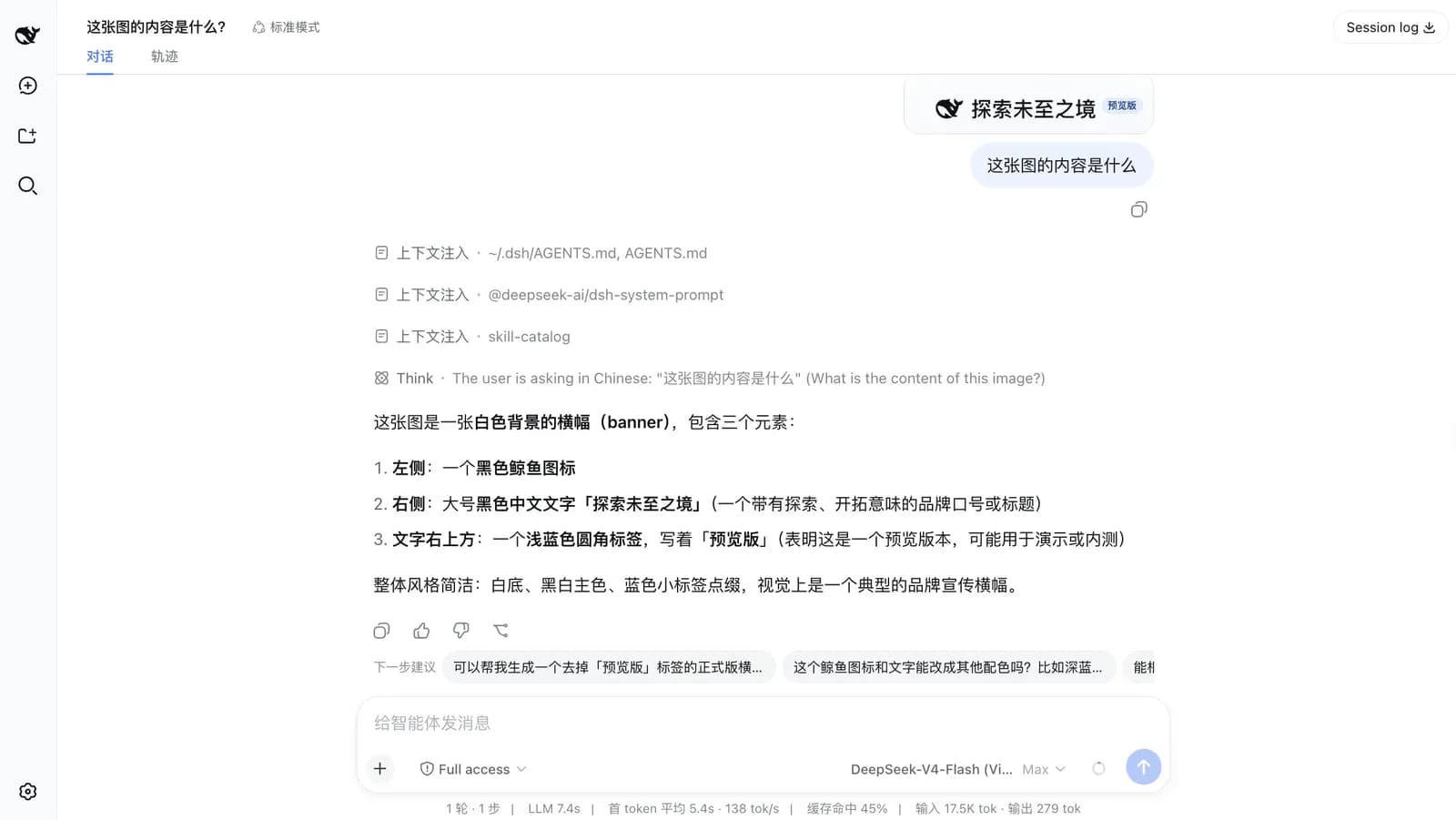
Core capabilities
Handle single-image and multi-image questions
Handle single-image and multi-image questions. This capability is documented in the repository README and still requires verification against the target DSH version and profile.
Read long screenshots and focused regions
Read long screenshots and focused regions. This capability is documented in the repository README and still requires verification against the target DSH version and profile.
Inspect pixels, colors, and visual diffs
Inspect pixels, colors, and visual diffs. This capability is documented in the repository README and still requires verification against the target DSH version and profile.
Reconstruct frontends from screenshots or sketches
Reconstruct frontends from screenshots or sketches. This capability is documented in the repository README and still requires verification against the target DSH version and profile.
Installation and usage
Install in DeepSeek Harness, reload the target environment as documented, and verify it with a low-risk scenario.
Let an AI Agent install it
Send this prompt to Codex, Claude Code, or another AI agent that can work with your local environment.
Help me install DSH Vision Toolkit from https://github.com/Anionex/dsh-vision-toolkit. Read the README, license, and installation files first. Confirm the current DeepSeek Harness version, target profile, and required dependencies. Use the repository's current command `dsh plugin --profile web add @anionex/dsh-vision-toolkit`. Explain the profile, paths, and permissions that will change before running it. Follow the repository verification steps and report commands, changed locations, and visible results. Ask before requesting credentials, enabling extra network access or build scripts, overwriting files, or expanding permissions.- The target DeepSeek Harness profile is initialized
- Python 3.11 or later for the full tool set
- Chrome, Chromium, or Edge for HTML screenshot rendering
dsh plugin --profile web add @anionex/dsh-vision-toolkit- 1Check the environment and target profile
The target DeepSeek Harness profile is initialized; Python 3.11 or later for the full tool set; Chrome, Chromium, or Edge for HTML screenshot rendering. Record the current configuration and installed plugins before changing anything.
- 2Run the current repository command
Run the following command. `dsh plugin --profile web add @anionex/dsh-vision-toolkit` Stop and ask before enabling build scripts, providing credentials, or overwriting files.
- 3Reload and verify
Restart the target profile, paste a low-sensitivity image for a minimal question, and check that a local pixel or crop tool is available.
Restart the target profile, paste a low-sensitivity image for a minimal question, and check that a local pixel or crop tool is available.
- Full functionality depends on Python and a browser environment
- Remote vision may transmit data and incur cost
- Visual reconstruction still requires human review
Use cases
Run visual regression checks on frontend screenshots
Start with a minimal DSH Vision Toolkit scope in this scenario, then expand only after checking output, permissions, and compatibility.
Extract structured information from long screenshots
Start with a minimal DSH Vision Toolkit scope in this scenario, then expand only after checking output, permissions, and compatibility.
Turn an interface sketch into an editable page
Start with a minimal DSH Vision Toolkit scope in this scenario, then expand only after checking output, permissions, and compatibility.
Assessment
This assessment is based on the repository README, installation instructions, license, and maintenance metadata. Separates local checks from remote vision; Covers OCR, UI reconstruction, and fine pixel inspection; Supports multiple DSH profiles. Full functionality depends on Python and a browser environment; Remote vision may transmit data and incur cost; Visual reconstruction still requires human review. No local installation or long-term use is claimed.
Why it may be useful
- Separates local checks from remote vision
- Covers OCR, UI reconstruction, and fine pixel inspection
- Supports multiple DSH profiles
What to know first
- Full functionality depends on Python and a browser environment
- Remote vision may transmit data and incur cost
- Visual reconstruction still requires human review
README
DSH Vision Toolkit
Overview
Provide agent-callable tools for image Q&A, long-screenshot OCR, crop, pixel and color checks, UI reconstruction, and visual diffs. Provide agent-callable tools for image Q&A, long-screenshot OCR, crop, pixel and color checks, UI reconstruction, and visual diffs.
Getting started
- Install in DeepSeek Harness, reload the target environment as documented, and verify it with a low-risk scenario.
- Provide agent-callable tools for image Q&A, long-screenshot OCR, crop, pixel and color checks, UI reconstruction, and visual diffs.
- The repository documents these main capabilities: Handle single-image and multi-image questions, Read long screenshots and focused regions, Inspect pixels, colors, and visual diffs, Reconstruct frontends from screenshots or sketches.
- Restart the target profile, paste a low-sensitivity image for a minimal question, and check that a local pixel or crop tool is available.
Configuration
dsh plugin --profile web add @anionex/dsh-vision-toolkit