
Diagram Design
Diagram Design is a technical-diagram skill for Codex, Claude Code, Pi, and other agent hosts. It creates self-contained HTML with inline SVG and redraws draw.io, Mermaid, and Excalidraw sources.
Project overview
Diagram Design is a multi-host Agent Skill maintained by cathrynlavery. It guides Codex, Claude Code, Pi, and other hosts through an editorial design system for technical and product diagrams, delivered as self-contained HTML with inline SVG. The repository also covers brand onboarding, source-format redraws, exports, and geometry checks. It suits teams that repeatedly need consistent diagrams for documentation, reviews, blogs, or presentations, provided they review input files, write locations, and optional browser dependencies.
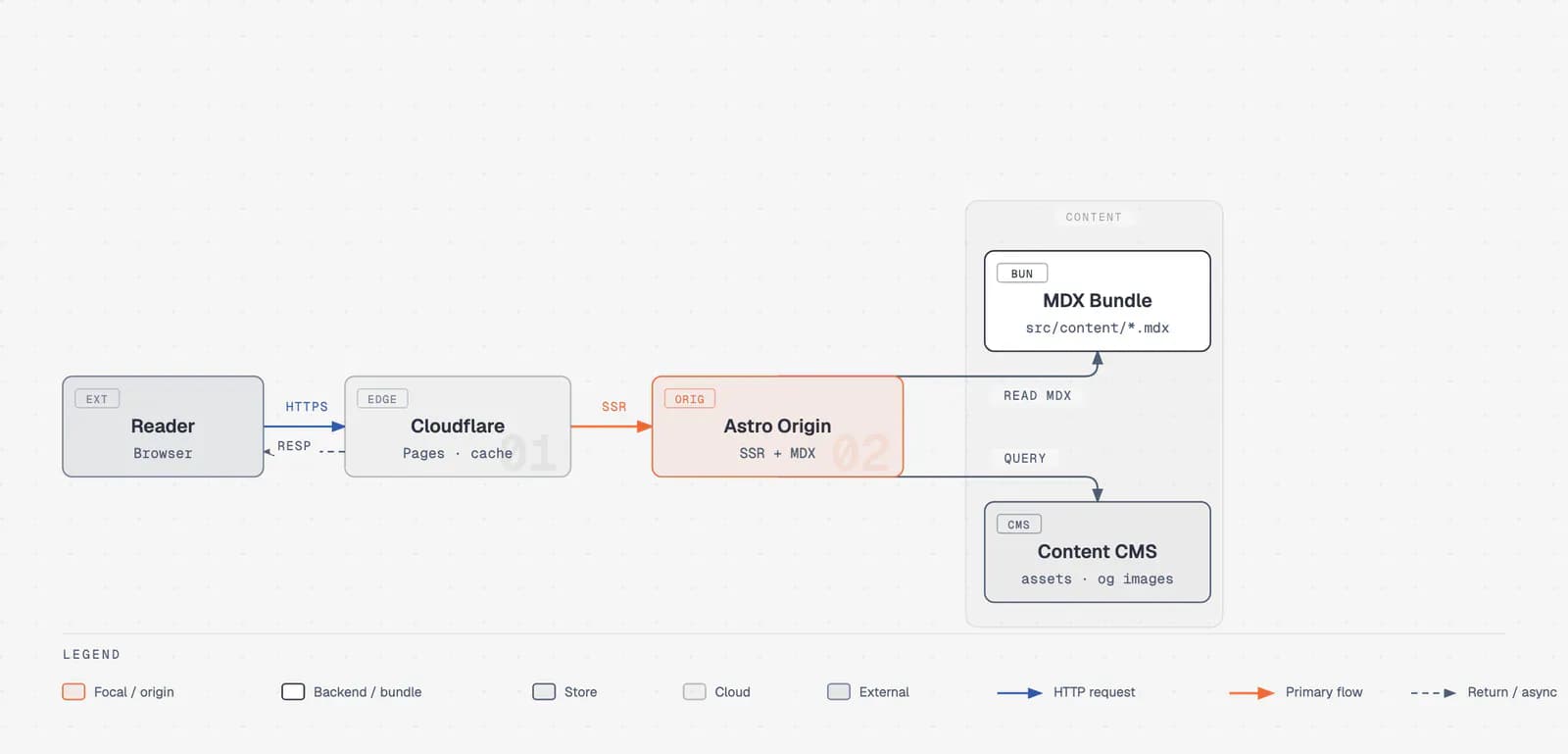
Core capabilities
41 diagram types
Covers architecture, process, sequence, state, ER, deployment, dependency, Gantt, Sankey, Wardley, journey, and other types, each with type-specific layout guidance and budgets.
Brand onboarding and profiles
Extracts colors and fonts from a public site, checks contrast before writing a style guide, and can save tokens as a named user profile selected by a project marker.
Three source redraw paths
Text extractors summarize draw.io, Mermaid, and Excalidraw structure, preserving components, relationships, groups, and direction while discarding source coordinates and styling.
Static, motion, and export
Creates static single-file HTML by default, can add constrained accessible motion, and exports the diagram to SVG or, through Playwright, PNG.
Quality and safety checks
Provides output self-check, geometry, motion, documentation-sync, and browser-rendering checks, with special attention to SVG accessible names, connectors, and clipping.
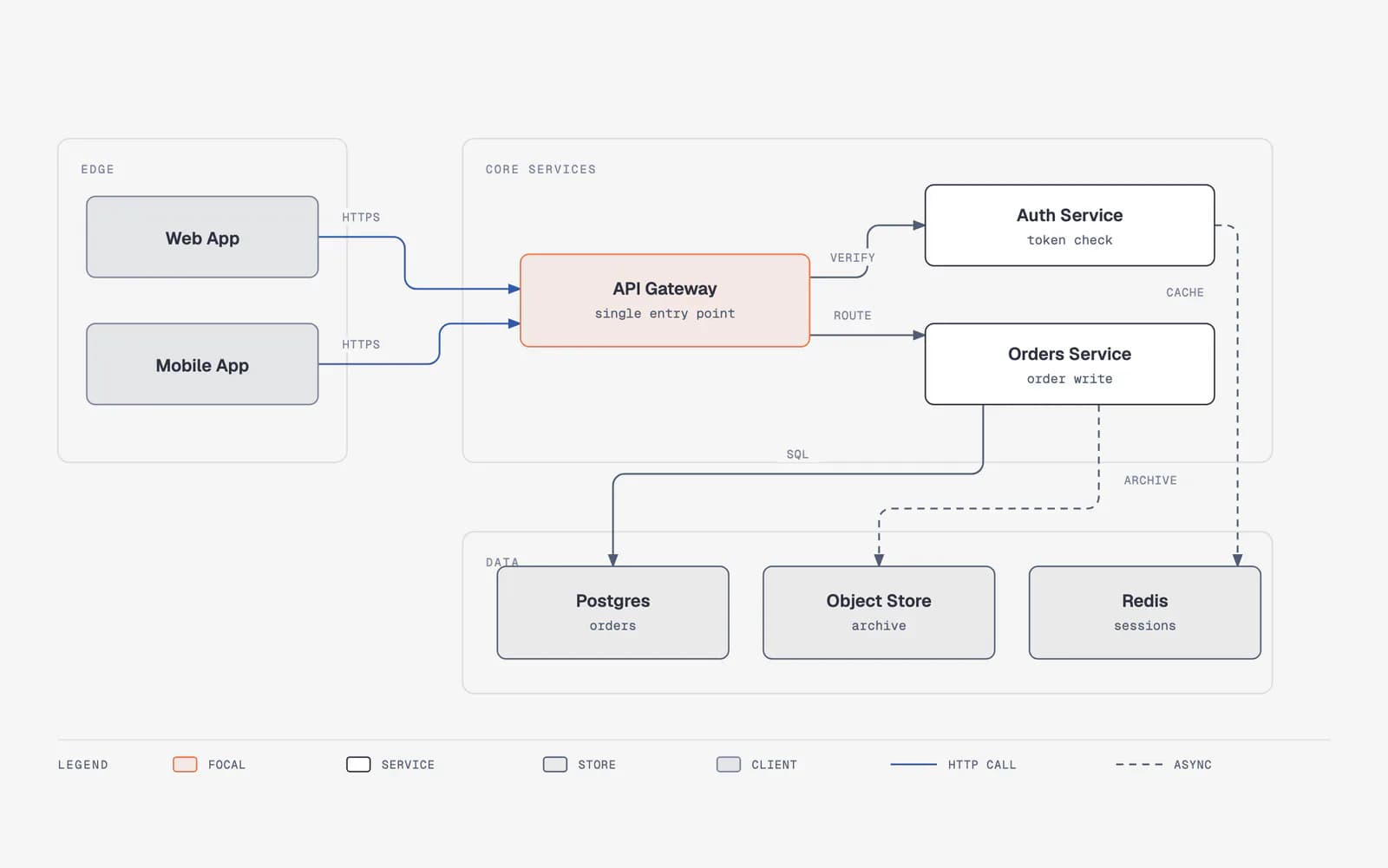
Installation and usage
Add the repository as a Codex plugin marketplace, then install Diagram Design. For the first task, approve the brand strategy and output path and verify with static HTML. Install Playwright and Chromium only when PNG export is required.
Let an AI Agent install it
Send this prompt to Codex, Claude Code, or another AI agent that can work with your local environment.
Help me install the Diagram Design Agent Skill from https://github.com/cathrynlavery/diagram-design. First read README.md, skills/diagram-design/SKILL.md, .codex-plugin/plugin.json, SECURITY.md, and LICENSE. Confirm that this Codex version supports plugin marketplaces, then run `codex plugin marketplace add cathrynlavery/diagram-design` followed by `codex plugin add diagram-design@diagram-design`. Start a new session after installation. Before the first diagram, ask whether I want brand onboarding, manual style tokens, or the default style. Do not overwrite an existing `references/style-guide.md`, `.diagram-design` marker, or profile without asking. Also ask before accessing a brand website, installing Playwright or Chromium, launching a browser, importing an untrusted draw.io/Mermaid/Excalidraw file, or writing into my project. Finally, generate only a small static HTML architecture diagram, run self_check.py, and report the file path and result.- Codex with plugin marketplace support
- GitHub access
- Permission for the agent to read project material and write HTML in the target directory
- Python, Playwright, and Chromium only for PNG export
codex plugin marketplace add cathrynlavery/diagram-design
codex plugin add diagram-design@diagram-design- 1Add the marketplace and install
Run `codex plugin marketplace add cathrynlavery/diagram-design`, then `codex plugin add diagram-design@diagram-design`. Start a new session so Codex discovers the Skill.
- 2Choose brand and output constraints
Before the first diagram, choose onboarding, manual tokens, or the default style, then specify format, size, audience, output directory, and whether motion is allowed.
- 3Generate a minimal static diagram
Begin with a small architecture or flow diagram. Check that the single HTML file opens, the content is accurate, and connectors and labels do not overlap or clip.
- 4Run the output self-check
From the installed Skill directory, run `python3 scripts/self_check.py <file>`. A repository checkout also exposes geometry, motion, and browser-rendering checks.
- 5Import or export only when needed
For an import, set format, size, detail level, and audience and review the fidelity ledger. Install Playwright and Chromium only when PNG is actually needed.
Start a new session after installation and ask Codex for a static architecture diagram with three to five nodes. Confirm that it produces one HTML file, opens in a browser, gives the SVG a title and description, and passes `python3 scripts/self_check.py <file>` from the installed Skill directory.
- Codex refreshes configured Git marketplaces at startup. To fetch immediately, run `codex plugin marketplace upgrade diagram-design` and start a new session.
- Profiles under `~/.diagram-design/profiles/` can be shared across projects; a `.diagram-design` marker selects the profile.
- Static output is the default. Do not add motion or produce PNG/SVG export files unless requested.
- The repository has no GitHub Release; updates follow its marketplace and main branch.
Use cases
System architecture documentation
Arrange services, data stores, boundaries, and request paths into an architecture diagram for a design review or README.
Redraw legacy diagrams
Extract components and relationships from draw.io, Mermaid, or Excalidraw and apply a consistent layout, typography, and connector system.
Brand technical content
Turn public brand colors and fonts into contrast-checked tokens for consistent blog, documentation, and presentation diagrams.
Product and data storytelling
Use journeys, timelines, Sankey diagrams, Gantt charts, radar charts, or heatmaps to explain stages, flows, schedules, and comparisons.
Assessment
The public repository shows a broader system than a template pack: Diagram Design combines design judgment, source redraws, accessibility constraints, and automated checks in one Skill. It covers many diagram types, documents multiple hosts, and provides a large set of reviewable output examples. The tradeoffs are its sizable rule set, a first-use brand gate, optional export dependencies, and a manifest-only version with no GitHub Release. This assessment is based on the README, SKILL.md, manifests, validation documentation, and repository images; it does not claim hands-on installation or long-term use.
Why it may be useful
- Detailed visual types, semantic patterns, and quality gates
- Supports new diagrams, source redraws, branding, and export in one package
- Static-by-default output, accessible SVG rules, and untrusted-input boundaries are explicit
- MIT licensing, a security-reporting path, and multi-host installation evidence are clear
What to know first
- The large rule and reference set can be heavy for simple work
- PNG export requires additional browser dependencies
- There is no GitHub Release or tag to pin
- Real results still depend on how faithfully the host follows Skill instructions
README
Diagram Design
Overview
Diagram Design is a technical-diagram skill for Codex, Claude Code, Pi, and other agent hosts. It creates self-contained HTML with inline SVG and redraws draw.io, Mermaid, and Excalidraw sources. Editorial diagram design for Claude Code, Codex, and Pi, producing self-contained HTML and SVG.
Getting started
- Add the repository as a Codex plugin marketplace, then install Diagram Design. For the first task, approve the brand strategy and output path and verify with static HTML. Install Playwright and Chromium only when PNG export is required.
- Diagram Design selects a semantic pattern and visual type separately, then constrains the result with complexity budgets, connector rules, focal color, and an accessibility checklist.
- The repository documents 41 visual types. Standard types ship light, dark, and full-editorial examples, and static output has no build step or external image dependency.
- Start a new session after installation and ask Codex for a static architecture diagram with three to five nodes. Confirm that it produces one HTML file, opens in a browser, gives the SVG a title and description, and passes `python3 scripts/self_check.py <file>` from the installed Skill directory.
Configuration
codex plugin marketplace add cathrynlavery/diagram-design
codex plugin add diagram-design@diagram-design