
SRT Whiteboard Animation
SRT Whiteboard Animation parses subtitles, plans scenes, coordinates line art and semantic regions, then renders continuous ink-and-color whiteboard animation to MP4.
Project overview
SRT Whiteboard Animation is an Agent Skill for subtitle-led video production. It parses SRT files into suggested 25–35 second scenes, pauses for approval of storyboards, line art, and pixel regions, then renders each element as continuous ink followed by restrained color. It is aimed at explainers, lessons, narrated stories, and short-form scripts rather than one-click full-frame reveal effects.
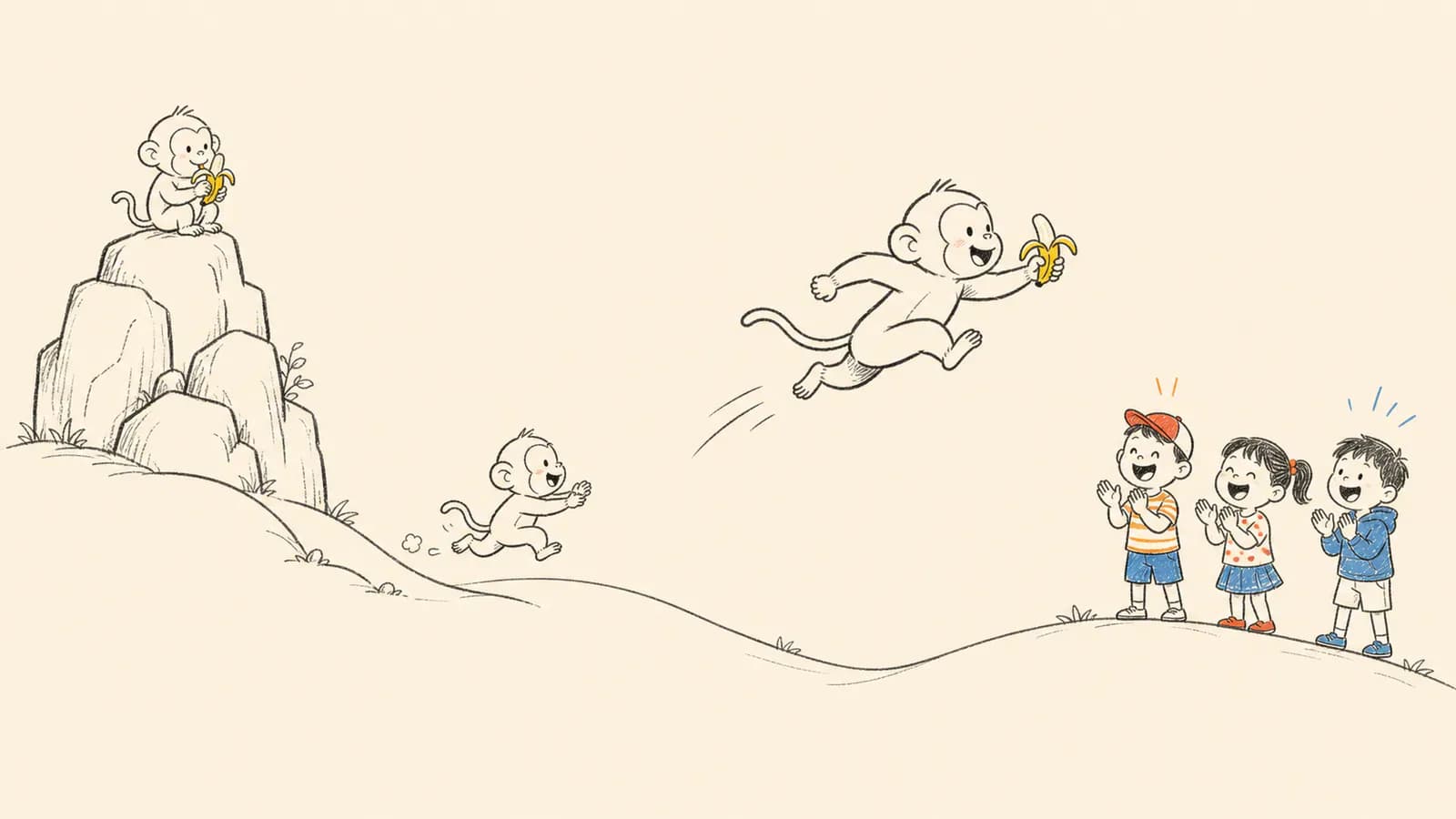
Core capabilities
Subtitle-led storyboarding
parse_srt.py parses subtitles and proposes scenes around the documented target duration.
Semantic region annotation
Visible subjects are linked to subtitle events through sequence, startMs, and protectedRegions.
Continuous-stroke rendering
Each region follows a grid or skeleton path, drawing ink first and color second.
Multi-scene merge
merge_scenes.py combines approved scene videos in a specified order.
Installation and usage
Download the repository, check or create its isolated Python environment with prepare_env.py, and use the reported ENV_PY interpreter for rendering.
Let an AI Agent install it
Send this prompt to Codex, Claude Code, or another AI agent that can work with your local environment.
Install the SRT Whiteboard Animation Skill from https://github.com/geeklee/srt-whiteboard-animation. Read README.md, SKILL.md, and scripts/prepare_env.py first. Download it into the project- or user-level Skills directory I specify, run `python scripts/prepare_env.py --check`, and only run `python scripts/prepare_env.py` if dependencies are missing. Verify with my SRT using parse_srt.py and report ENV_PY and the proposed scenes. Ask before installing dependencies, opening a browser, requesting file access, overwriting files, or running any additional command.- A working Python command
- Chrome or Edge for the local preview UI
- An SRT file and later-approved scene images
- Write access and network access for first-time dependencies
Project URL: https://github.com/geeklee/srt-whiteboard-animation
Copy the URL and follow the steps below to complete setup.- 1Prepare the environment
Run `python scripts/prepare_env.py --check`; if missing, run `python scripts/prepare_env.py` and capture ENV_PY.
- 2Parse subtitles and approve scenes
Run `python scripts/parse_srt.py <subtitles.srt> --target-sec 30 --min-sec 25 --max-sec 35`, review the proposed scenes, and stop for approval.
- 3Annotate and preview
Create the matching annotation.json, open assets/preview.html, and inspect regions, order, timing, and subtitle links.
- 4Render and merge
Render each approved scene with render_stream_whiteboard.py, then merge only after every scene is accepted.
Run `python scripts/prepare_env.py --check` from the repository root and confirm the final line prints `ENV_PY=<path>`. Then run parse_srt.py on a sample SRT and confirm it reports subtitle entries, suggested scenes, and sceneDurationMs.
- Use the ENV_PY interpreter for later render commands.
- SKILL.md requires explicit user approval after each major stage.
- Writing annotations from the preview UI requires Chrome or Edge File System Access API support.
Use cases
Educational explainers
Draw concepts and objects in the same order as a lesson or science narration.
Narrated stories
Tie characters, actions, and outcomes to subtitle events so later elements stay hidden.
Short-form whiteboard packaging
Produce consistent warm-paper MP4 scenes for downstream editing.
Assessment
The public README, SKILL.md, scripts, and examples show a concrete subtitle-to-render workflow with clear timing and mask rules. The tradeoff is a multi-stage process that depends on user approval and accurate pixel regions. This is a documentation-based assessment, not an installation or rendering test.
Why it may be useful
- Complete path from subtitle parsing to scene merging
- Approval gates reduce expensive downstream rework
- Includes examples, a preview UI, and quality checks
What to know first
- Requires Python dependencies and browser file access
- Accurate regions still need visual review
- Not designed for one-click photorealistic or 3D animation
README
SRT Whiteboard Animation
Overview
SRT Whiteboard Animation parses subtitles, plans scenes, coordinates line art and semantic regions, then renders continuous ink-and-color whiteboard animation to MP4. Turn SRT subtitles into warm paper whiteboard animation with regional mask orchestration and streaming ink-to-color strokes.
Getting started
- Download the repository, check or create its isolated Python environment with prepare_env.py, and use the reported ENV_PY interpreter for rendering.
- The parser proposes scenes from subtitle timing, with one core idea per scene.
- annotation.json stores regions, subtitle links, sequence, timing, and overlap protection.
- Run `python scripts/prepare_env.py --check` from the repository root and confirm the final line prints `ENV_PY=<path>`. Then run parse_srt.py on a sample SRT and confirm it reports subtitle entries, suggested scenes, and sceneDurationMs.
Configuration
Project URL: https://github.com/geeklee/srt-whiteboard-animation
Copy the URL and follow the steps below to complete setup.