
patent-disclosure-skill
China Patent Skill organizes invention mining, disclosures, application drafts, patent reading, and search into separate workflows, with Word documents, diagrams, and optional Obsidian notes. Formal use requires professional review.
Project overview
China Patent Skill (patent-disclosure-skill) is a toolkit with a root router for disclosures, application drafts, dockets, search, reading, maps, office-action assistance, and policy briefs. It helps turn existing technical material into reviewable drafts. It does not establish patentability or replace professional review or formal filing.
Core capabilities
Organize disclosure material
Extracts technical points from documents and code, routes invention, utility-model, and design disclosures separately, and supports diagrams and iterative versions.
Read patents and organize knowledge
Turns public patents into plain-language notes and graphs, optionally using Obsidian. Maps and other extensions require an explicit request.
Assist applications and responses
Existing disclosures can feed application drafts. Office-action assistance has a separate workflow and optional case library, not an automatic follow-up to reading.
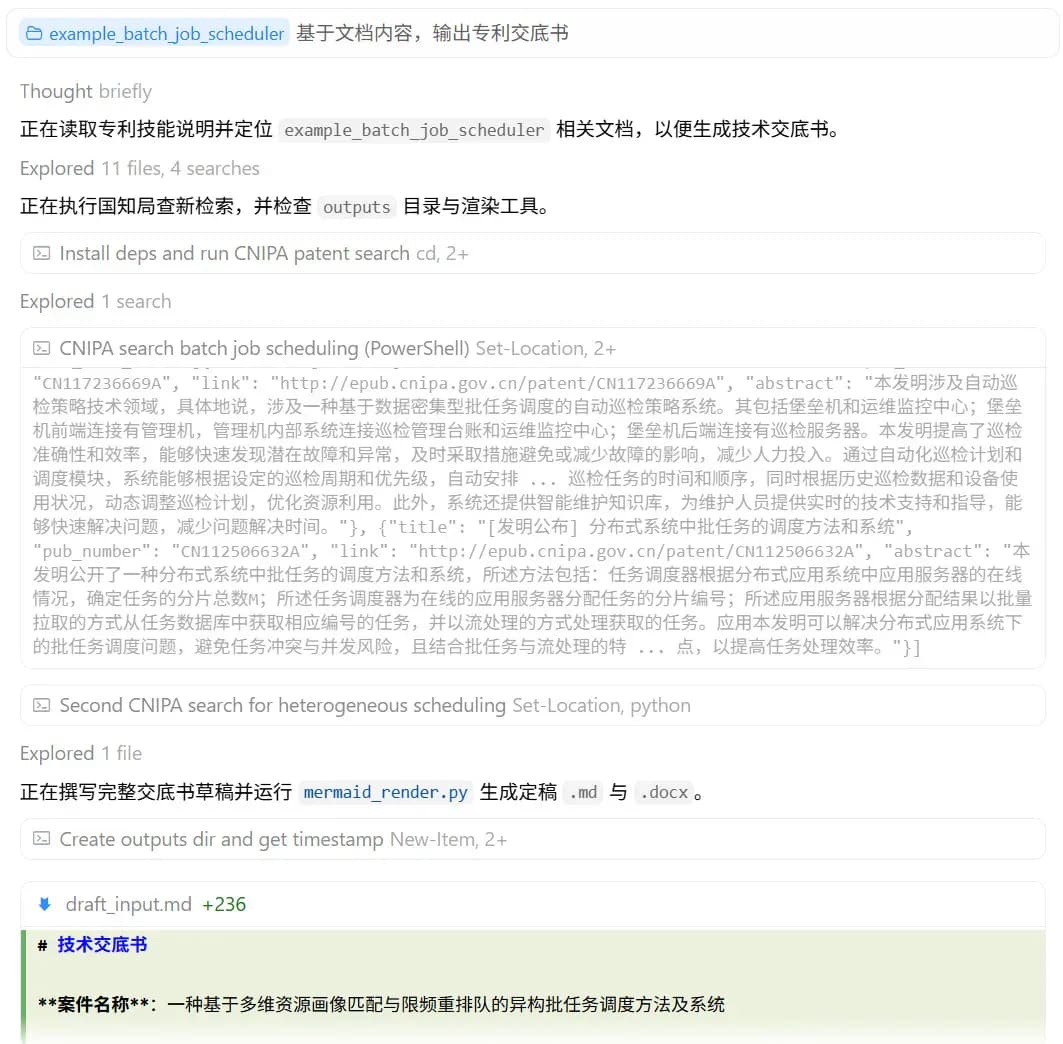
Installation and usage
Place the complete repository in the client's skill directory, retaining root SKILL.md and all subpackages. Run the dependency and browser-probe commands from the Skill repository root. Verify a small disclosure or public-patent reading task without enabling unrelated services.
Let an AI Agent install it
Send this prompt to Codex, Claude Code, or another AI agent that can work with your local environment.
Help me install patent-disclosure-skill from https://github.com/handsomestWei/patent-disclosure-skill. Read README.md and INSTALL.md first, confirm my agent and install destination, and use the documented commands. Place the complete repository in the client's skill directory, retaining root SKILL.md and all subpackages. Run the dependency and browser-probe commands from the Skill repository root. Verify a small disclosure or public-patent reading task without enabling unrelated services. Confirm discovery of patent-disclosure-skill and an ok=true browser probe. Run a clearly scoped task with non-sensitive material and inspect output paths, facts, diagrams, and editable files. A successful probe does not establish filing readiness. Ask before providing credentials, adding permissions or dependencies, or overwriting files. Keep secrets out of logs and do not automatically perform external writes.- Python 3.9+, pip, and a client that can read the Skill.
- Local Chrome or Edge, or documented Playwright Chromium setup if missing.
- Authorized technical material; start with a non-sensitive sample.
pip install -r requirements.txt
python skills/patent-disclosure/tools/browser.py --probe- 1Place the complete Skill directory
Download and extract the full repository. For project-scoped Claude Code use .claude/skills/patent-disclosure-skill; for Cursor use .cursor/skills/patent-disclosure-skill. Retain root SKILL.md and skills/patent-* and reload the client.
- 2Install dependencies and probe the browser
From the Skill repository root, run pip install -r requirements.txt and python skills/patent-disclosure/tools/browser.py --probe. Install Chromium according to INSTALL.md only when no suitable browser is available.
- 3Choose one small task
Provide authorized material and request only a disclosure or only a public-patent explanation. Inspect factual support and open questions. Request applications, dockets, or office-action assistance separately.
- 4Review the deliverables
Open Markdown, Word, and diagrams to check content and formatting. Have a patent professional assess legal scope, claims, search completeness, and filing suitability; do not submit automatically.
Confirm discovery of patent-disclosure-skill and an ok=true browser probe. Run a clearly scoped task with non-sensitive material and inspect output paths, facts, diagrams, and editable files. A successful probe does not establish filing readiness.
- Run these commands from the Skill root containing requirements.txt.
- CAD and office-action vector libraries are optional dependencies configured separately.
- A Markdown fallback may be available without a browser, but it does not verify diagram or Word generation.
Use cases
Prepare R&D disclosures
Organize existing documents and code into a disclosure draft with explicit unresolved technical facts.
Read public patents
Use a public PDF or publication number to understand terminology, structure, and claims before human analysis.
Assessment
The documentation separates disclosure, application, and reading workflows and adds checks around materials and outputs. Its scripts and optional services require more setup than a simple prompt. AgentMatter has not installed the toolkit or tested case outputs and makes no legal-validity assessment.
Why it may be useful
- Separates patent tasks to limit unintended scope expansion.
- Supports editable documents, diagrams, and versioned materials.
What to know first
- Outputs are assistance materials requiring patent-professional review.
- Search, diagram generation, and Word output have not been tested by AgentMatter.
README
patent-disclosure-skill
Overview
China Patent Skill organizes invention mining, disclosures, application drafts, patent reading, and search into separate workflows, with Word documents, diagrams, and optional Obsidian notes. Formal use requires professional review. China Patent Skill organizes invention mining, disclosures, application drafts, patent reading, and search into separate workflows, with Word documents, diagrams, and optional Obsidian notes. Formal use requires professional review.
Getting started
- Place the complete repository in the client's skill directory, retaining root SKILL.md and all subpackages. Run the dependency and browser-probe commands from the Skill repository root. Verify a small disclosure or public-patent reading task without enabling unrelated services.
- The root SKILL.md routes to task-specific skills rather than executing every capability at once.
- The default disclosure route targets inventions and generally requires Python, dependencies, and Chrome or Edge.
- Confirm discovery of patent-disclosure-skill and an ok=true browser probe. Run a clearly scoped task with non-sensitive material and inspect output paths, facts, diagrams, and editable files. A successful probe does not establish filing readiness.
Configuration
pip install -r requirements.txt
python skills/patent-disclosure/tools/browser.py --probe