
Awesome Seedance
Awesome Seedance collects source-traced Seedance 2.5/2.0 video prompts, 25 copy-ready templates, cross-model retest records, and 59 installable Skills to help creators turn a shot intent into a structured video prompt.
Project overview
Awesome Seedance is a community prompt collection for Seedance 2.5 and 2.0. It brings public cases, original-source links, category templates, focused Skills, and cross-model retests into one repository. Users can select a template and replace placeholders without installing anything, or install the full style library into Codex or Claude Code so an agent can draft a video prompt from the curated structures. The data is updated automatically, but case quality, retest conclusions, and content rights still require separate judgment.
Core capabilities
25 category templates
Each bilingual template provides intended use, structure, guidance, pitfalls, and a copy-ready lead-in across product advertising, UGC, dialogue, storyboards, action, animation, and other video tasks.
Case and source tracing
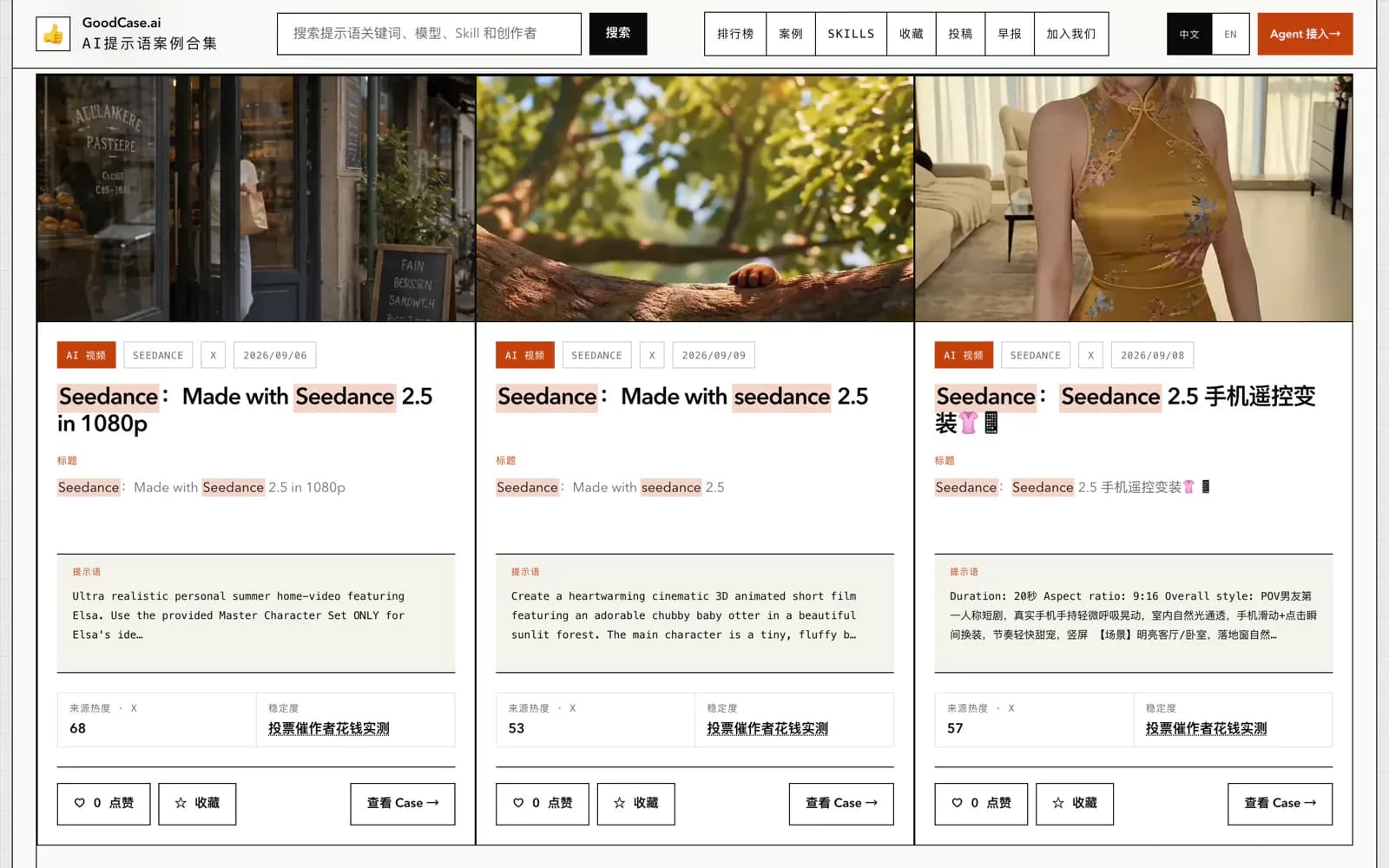
Galleries are split by Seedance version, while structured data keeps case titles, prompts, authors, platforms, dates, and source links for context review.
Cross-model retest evidence
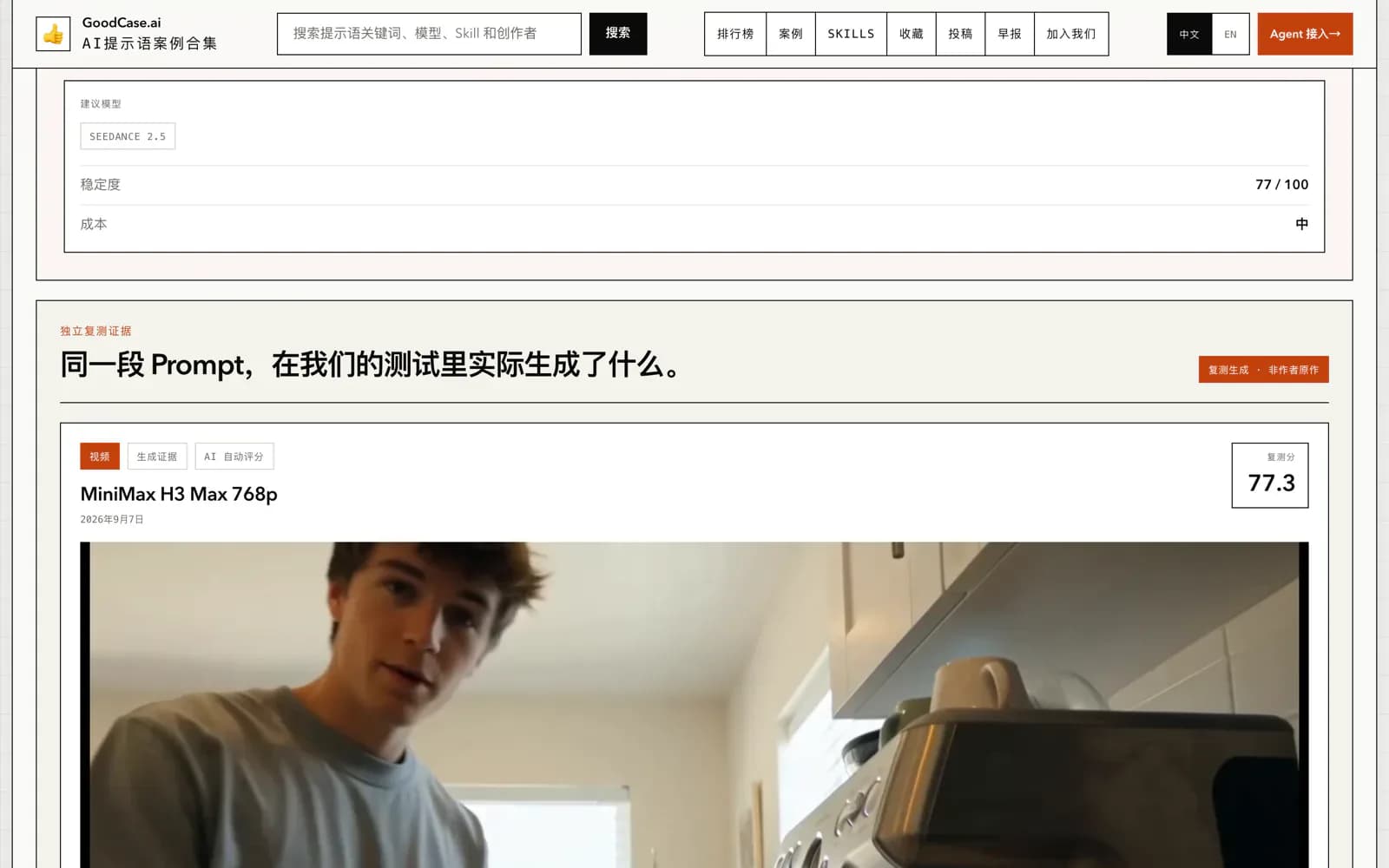
The README publishes retest models, run counts, reproduction rates, outcome classes, and selected same-prompt output comparisons. This is repository-produced evidence and was not independently rerun here.
Full Agent Skill
seedance-prompt-library instructs an agent to identify shot intent, select a style-library template, fill its structure, check guidance and pitfalls, and return a copy-ready prompt.
Focused Skills
Comedy, travel, product, pet, vehicle, horror, storyboard, and other templates are generated as separate Skills for a smaller context surface.
Access and usage
The safest start is no installation: copy one template from `docs/templates/en`. Install with npx only if you need repeated use in Codex or Claude Code, after reviewing the installer and backing up any same-name Skill. Open a new session to verify the installation.
Let an AI Agent install it
Send this prompt to Codex, Claude Code, or another AI agent that can work with your local environment.
Help me assess and install the full Agent Skill from Awesome Seedance. Use https://github.com/LearnPrompt/awesome-seedance at commit 7f727b447bd3794858293550bb8aa9f403c9b59e. First read README.md, README_zh.md, agents/skills/seedance-prompt-library/SKILL.md, agents/skills/seedance-prompt-library/bin/install.mjs, LICENSE, and the Copyright & Takedown Notice. Check `~/.claude/skills/seedance-prompt-library` and `$CODEX_HOME/skills/seedance-prompt-library`, list the `SKILL.md` and `references` content that installation would replace, and stop for approval if either contains local changes. Do not run npx without my approval. If approved, run `npx seedance-prompt-library install`, verify destination files, start a new session, and use a non-sensitive example to request a structured Seedance prompt. Do not upload my media, call Seedance, buy credits, or publish externally without separate approval.- Template browsing only requires GitHub access and a Seedance entry point
- Skill installation requires Node.js, npm, npx, and write access to user-level Skill directories
- Check `.claude/skills/seedance-prompt-library` and `$CODEX_HOME/skills/seedance-prompt-library` for local customizations first
- Prepare a low-risk test topic and non-sensitive reference media
- Accept the data policy of the model service before uploading text, images, video, or audio
Project URL: https://github.com/LearnPrompt/awesome-seedance/tree/7f727b447bd3794858293550bb8aa9f403c9b59e/docs/templates/zh
Copy the URL and follow the steps below to complete setup.- 1Choose a template by video intent
Open the English template index and select the closest of the 25 structures, such as product-commercial shot list, handheld UGC, dialogue performance, or storyboard-grid-to-video. Read its intended use and pitfalls first.
- 2Replace placeholders and constrain references
Fill in subject, setting, duration, aspect ratio, camera movement, action, sound, and reference-image labels. Keep private or unlicensed material out of the prompt.
- 3Ask a chat model to assemble the prompt
Send the completed template to ChatGPT, Claude, or Gemini and request one copy-ready block that preserves the structure and constraints. Review invented brands, people, and shots.
- 4Run a small Seedance generation
Submit the final prompt and only necessary reference media to Seedance. Start with low-risk content and acceptable cost, then note character consistency, shot order, lip sync, and failure patterns.
- 5Install the Skill only for repeated use
After reviewing the installer and backing up same-name directories, run `npx seedance-prompt-library install`. In a new session, confirm that the agent selects a template, applies guidance and pitfalls, and names the template.
For template-only use, confirm the chat model returns one complete, copy-ready prompt that preserves the selected shot structure. After Skill installation, inspect `SKILL.md` and `references/style-library.md` in both destinations, restart Codex or Claude Code, and request a Seedance prompt for a low-risk topic. Confirm that the agent names the selected template. A successfully drafted prompt is not proof of video quality.
- The installer attempts to write to both Claude Code and Codex, not only the current host.
- Existing same-name `SKILL.md` and `references` entries are deleted before replacement.
- Repository package version 0.3.0 differs from the latest GitHub Release v0.2.0; record the actual installed version for long-lived use.
- The repository has no SECURITY.md. GitHub Issues are available for ordinary problems, but they are not a private vulnerability channel.
Use cases
Structured short-video shot lists
Turn a vague idea into time-ordered shots, action, sound, and end states to reduce uncontrolled model drift.
Character and product consistency
Use reference identity locks, product appearance locks, and exclusion statements to specify what must remain stable across shots.
UGC, advertising, and narrative selection
Compare handheld vlog, creator review, product-commercial, and cinematic-narrative templates to match visual language to the communication goal.
Prompt-structure research
Trace public cases back to their sources, study recurring structures, and use cross-model retests to identify possible degradation.
Assessment
Awesome Seedance is useful because it joins cases, templates, provenance, and retests. Its 25 templates cover common video formats and work either by direct copy or as an Agent Skill. Three boundaries deserve attention: retests mainly use MiniMax and are not a Seedance or industry benchmark; the installer rewrites two user-level Skill locations; and code, curation, original prompts, and media have different rights. This review checked public materials and source code but did not install the package or generate a video.
Why it may be useful
- Templates are organized by concrete video intent and include both guidance and pitfalls
- Cases preserve original-post and author clues for provenance
- Retests publish successful, degraded, and failed outcomes rather than only highlights
- Bilingual templates and installable Skills cover manual and agent-assisted workflows
- The repository remains unarchived and receives daily data synchronization
What to know first
- Retest model coverage is narrow and results are produced by the repository
- Installation executes npm package code and replaces same-name Skill content
- The formal GitHub Release trails the repository package and plugin version
- Underlying prompts and media are not uniformly licensed by MIT or CC BY
- No SECURITY.md or private vulnerability-reporting instructions were found
README
Awesome Seedance
Overview
Awesome Seedance collects source-traced Seedance 2.5/2.0 video prompts, 25 copy-ready templates, cross-model retest records, and 59 installable Skills to help creators turn a shot intent into a structured video prompt. A human-checked Seedance 2.5/2.0 prompt library with cases, retests, templates, an installable Agent Skill, and English, Chinese, and Japanese README editions.
Getting started
- The safest start is no installation: copy one template from `docs/templates/en`. Install with npx only if you need repeated use in Codex or Claude Code, after reviewing the installer and backing up any same-name Skill. Open a new session to verify the installation.
- The Start Here path recommends choosing a template, replacing bracketed placeholders with subject, scene, and shot details, asking a chat model to refine it, and finally copying the completed prompt into Seedance. Template browsing requires no installation.
- Templates are divided into foundations, realism and UGC, commercial and product, narrative and performance, stylized animation, and action, dance, and effects. There are 25 files in both English and Chinese.
- For template-only use, confirm the chat model returns one complete, copy-ready prompt that preserves the selected shot structure. After Skill installation, inspect `SKILL.md` and `references/style-library.md` in both destinations, restart Codex or Claude Code, and request a Seedance prompt for a low-risk topic. Confirm that the agent names the selected template. A successfully drafted prompt is not proof of video quality.
Configuration
Project URL: https://github.com/LearnPrompt/awesome-seedance/tree/7f727b447bd3794858293550bb8aa9f403c9b59e/docs/templates/zh
Copy the URL and follow the steps below to complete setup.