
OJO Design Skills
OJO Design Skills gives coding agents two UI/UX routes: proven systems for utility products and distinct directions for brand-led experiences, followed by design tokens, component states, and motion specifications.
Project overview
OJO Design Skills currently ships the app-ui-ux-best-practices Skill and supporting references. It starts with product context and visual research, then specifies direction, colors, typography, components, and behavior. It is a design methodology, not an asset service or a one-click guarantee of production-ready output.
Core capabilities
Separate utility and brand needs
The Convention Track adopts a suitable proven language; the Innovation Track can use material metaphor, archetypes, narrative, or cultural references.
Translate direction into components
Specifies colors, typography, spacing, Tailwind classes, and relevant states such as default, focus, loading, and error.
Challenge placeholder visuals
Requires subject-relevant assets and evidence-backed choices. Banned combinations should not be interpreted as banning individual colors in every context.
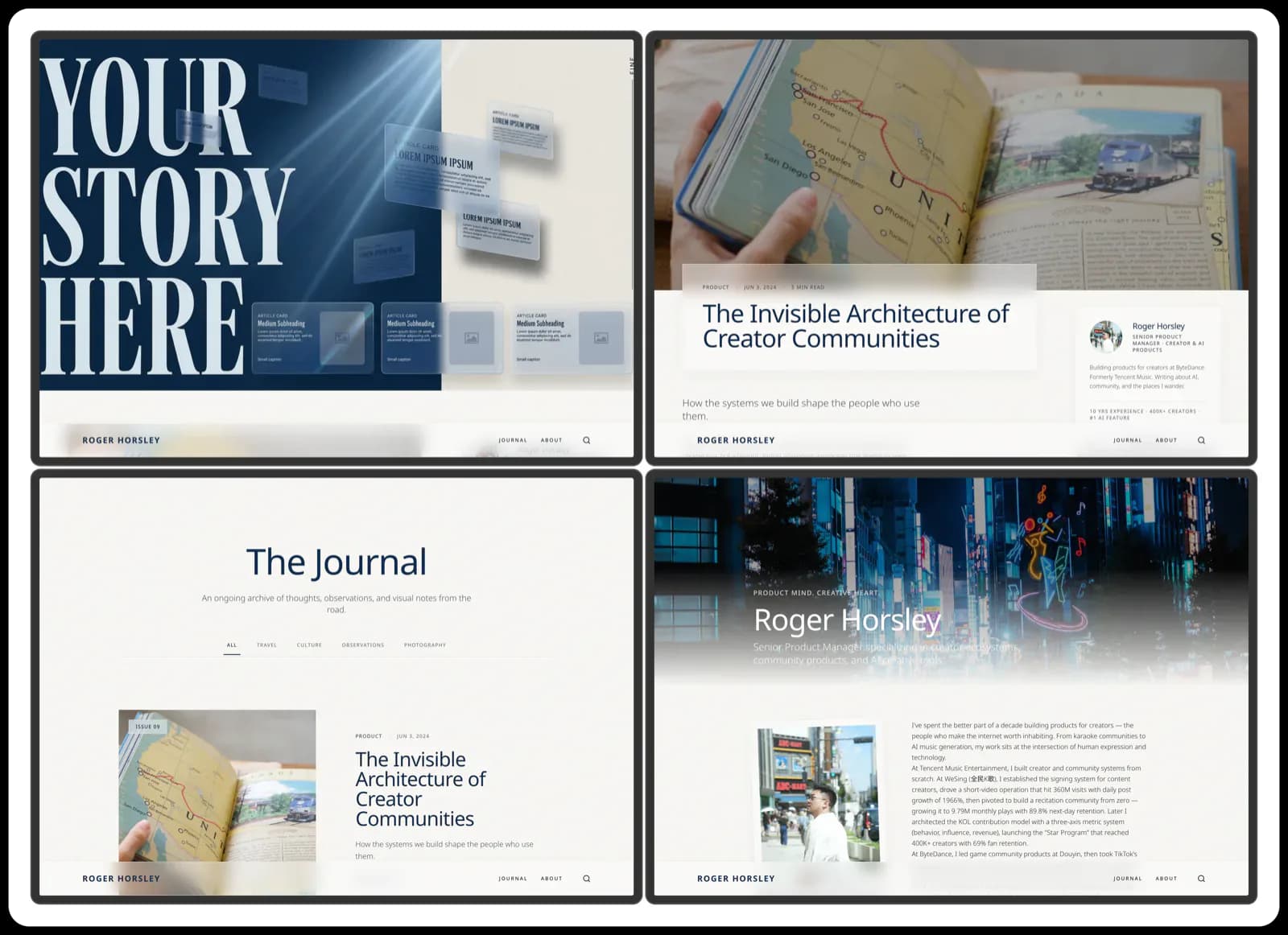
Installation and usage
Use the repository's Bash installer after replacing <client> with the target, such as codex or claude-code. It downloads and executes a script, so inspect its source and destination first. Do not add --force by default.
Let an AI Agent install it
Send this prompt to Codex, Claude Code, or another AI agent that can work with your local environment.
Help me install OJO Design Skills from https://github.com/touchine-ojo/OJO-Design-Skills. Read README.md and skills/app-ui-ux-best-practices/SKILL.md first, confirm my agent and install destination, and use the documented commands. Use the repository's Bash installer after replacing <client> with the target, such as codex or claude-code. It downloads and executes a script, so inspect its source and destination first. Do not add --force by default. Reload the client and confirm app-ui-ux-best-practices is available. Request specifications for a small brief and check coherent direction, tokens, states, and asset requirements. Generated interfaces still require responsive and accessibility review. Ask before providing credentials, adding permissions or dependencies, or overwriting files. Keep secrets out of logs and do not automatically perform external writes.- Bash, curl, and tar; Windows users need a suitable Bash environment.
- An installed target coding-agent client.
- A defined product, audience, screen goals, and available assets.
curl -fsSL https://raw.githubusercontent.com/touchine-ojo/OJO-Design-Skills/main/scripts/install.sh | bash -s -- --target <client>- 1Select the client and inspect the script
Review scripts/install.sh and its destination. Replace <client> with codex, claude-code, zcode, deepcode, workbuddy, or opencode. It is a placeholder, not a literal runnable value.
- 2Install and reload
Run the target-specific command in an environment with Bash, curl, and tar. Keep default protections; resolve backup or overwrite choices for an existing Skill before reloading.
- 3Verify with a concrete brief
Supply the product type, audience, key screens, and visual references. Request a direction followed by colors, typography, components, and interaction rules, then review the finished interface.
Reload the client and confirm app-ui-ux-best-practices is available. Request specifications for a small brief and check coherent direction, tokens, states, and asset requirements. Generated interfaces still require responsive and accessibility review.
- The installer writes to the selected client's skills directory.
- --force replaces existing copies without backups and is not recommended by default here.
Use cases
Create product specifications
Set consistent colors, spacing, components, and states for SaaS or utility interfaces.
Explore a brand direction
Develop an evidence-backed visual direction for content, lifestyle, or creative products.
Assessment
The README and core workflow connect product context with visual direction and component detail. Direction selection requires participation, and samples do not establish universal production readiness. AgentMatter has not run the installer or tested generated interfaces.
Why it may be useful
- Covers proven systems and brand differentiation.
- Connects visual direction to concrete components and states.
What to know first
- Requires a brief, assets, and human design judgment.
- Samples are not independent evaluations; installation and generation remain untested.
README
OJO Design Skills
Overview
OJO Design Skills gives coding agents two UI/UX routes: proven systems for utility products and distinct directions for brand-led experiences, followed by design tokens, component states, and motion specifications. OJO Design Skills gives coding agents two UI/UX routes: proven systems for utility products and distinct directions for brand-led experiences, followed by design tokens, component states, and motion specifications.
Getting started
- Use the repository's Bash installer after replacing <client> with the target, such as codex or claude-code. It downloads and executes a script, so inspect its source and destination first. Do not add --force by default.
- The core Skill chooses a conventional or innovative route from the product's value proposition.
- The standard workflow researches references and confirms a direction before tokens and components; advisory use can follow the caller's format.
- Reload the client and confirm app-ui-ux-best-practices is available. Request specifications for a small brief and check coherent direction, tokens, states, and asset requirements. Generated interfaces still require responsive and accessibility review.
Configuration
curl -fsSL https://raw.githubusercontent.com/touchine-ojo/OJO-Design-Skills/main/scripts/install.sh | bash -s -- --target <client>