
dsh-builtin-browser
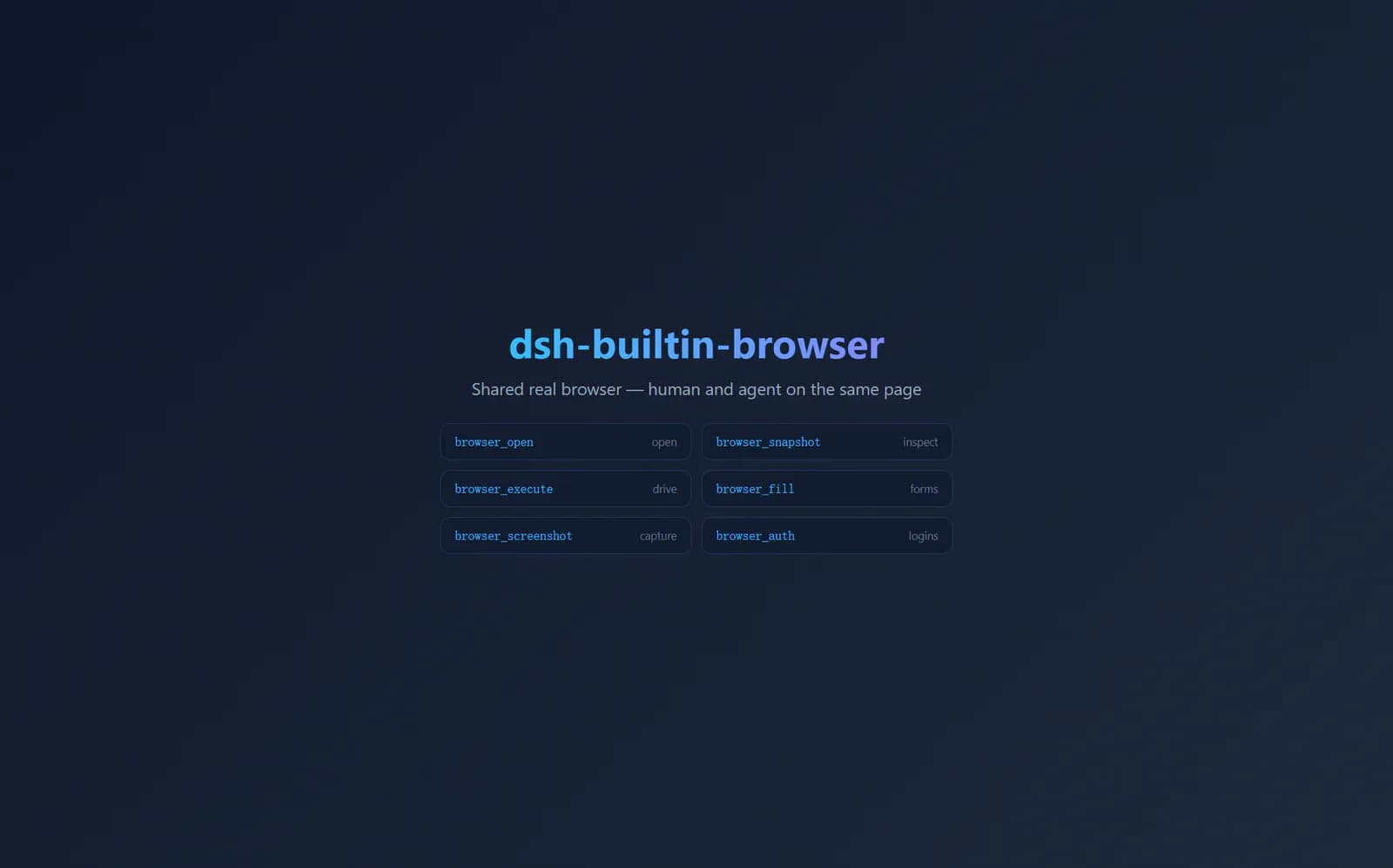
A visible browser shared by a person and a DeepSeek Harness agent, with 34 browser_* tools, task-isolated windows, persistent sign-in state, forms, screenshots, downloads, and human takeover.
Project overview
dsh-builtin-browser gives DeepSeek Harness a browser window that both the agent and the user can see and control. In a Web profile, the plugin launches Electron with a separate window and tabs for each task. With the Desktop bridge, it can drive the page already visible in the DSH Desktop sidebar. This suits flows that need sign-in, forms, screenshots, or human takeover, while also creating clear boundaries around cookies, page scripts, and local file writes.
Core capabilities
Visible browser and human takeover
Self-hosted mode opens a real Electron window for each task. The user can click the page, address bar, and tabs while sharing the same session model with the agent.
Thirty-four browser tools
Tools cover navigation, snapshots, clicks, typing, scrolling, forms, DOM and CDP execution, screenshots, downloads, authentication, history, tabs, and CAPTCHA detection.
Task isolation and shared sign-in state
Each DSH task has separate tabs and history, and its window closes when the task ends. The browser profile and cookies can persist across tasks.
Restricted file writes
Screenshots and downloads share one path-admission rule. Writes must stay inside downloadDir, cannot overwrite files, and downloads are capped at 256 MB.
Installation and usage
Check Node.js, the target DSH profile, and Electron first, then install the npm package with a profile-scoped DSH command. Web users should verify a small public-page task. The Desktop bridge modifies application files and deserves a separate review and backup.
Let an AI Agent install it
Send this prompt to Codex, Claude Code, or another AI agent that can work with your local environment.
Install dsh-builtin-browser from https://github.com/wqty123/dsh-browser. First read the complete README, docs/user-guide.md, docs/architecture.md, and package.json. Confirm my DSH version, target profile, Node.js version, and Electron requirements. Install with dsh plugin --profile web add dsh-builtin-browser. If my profile is not web, tell me which name needs to change before running anything. Start the target profile and verify only opening https://example.com, reading its title, and taking a screenshot. Confirm the task window closes after the task. Do not import cookies, sign in, run the Desktop bridge, or widen the file-write directory. Ask before overwriting configuration, downloading extra components, touching sign-in state, opening intranet pages, or modifying the desktop application. Report every unverified step accurately.- Node.js 22.19 or later and DeepSeek Harness installed
- Know the target profile name, with web used in the examples
- Electron 30 or later, with version 40 or later recommended
- Use an isolated browser profile for any test sign-in state
dsh plugin --profile web add dsh-builtin-browser- 1Check runtime requirements
Run node --version and dsh --version. Confirm Node.js 22.19 or later, identify the DSH profile, and prefer Electron 40 or later.
- 2Install into one profile
Run dsh plugin --profile web add dsh-builtin-browser. Replace web with the actual profile name when needed, and do not modify unrelated profiles.
- 3Run a minimal public-page check
Start the target profile and use only https://example.com to verify the visible window, page-title reading, and a screenshot. Do not sign in or import cookies during this first test.
- 4Tighten data boundaries
Point downloadDir at a dedicated directory, use a separate browser profile, and disable credential access when unnecessary. Treat browser_restrict as a soft policy, not a security boundary.
Start the target profile and ask the agent to open https://example.com, read the title, and take a screenshot. Confirm that the visible task window opens and closes with the task, then verify that the screenshot stays inside downloadDir. Do not use a real account for the first check.
- web is an example profile name and must be replaced consistently when needed.
- If Electron 44 or later has no binary, the repository instructs users to run npx install-electron.
- The Desktop bridge is an optional step that modifies DSH Desktop files and should not run as part of a default install.
- The repository currently reports live verification on Windows only.
Use cases
Visible form workflows
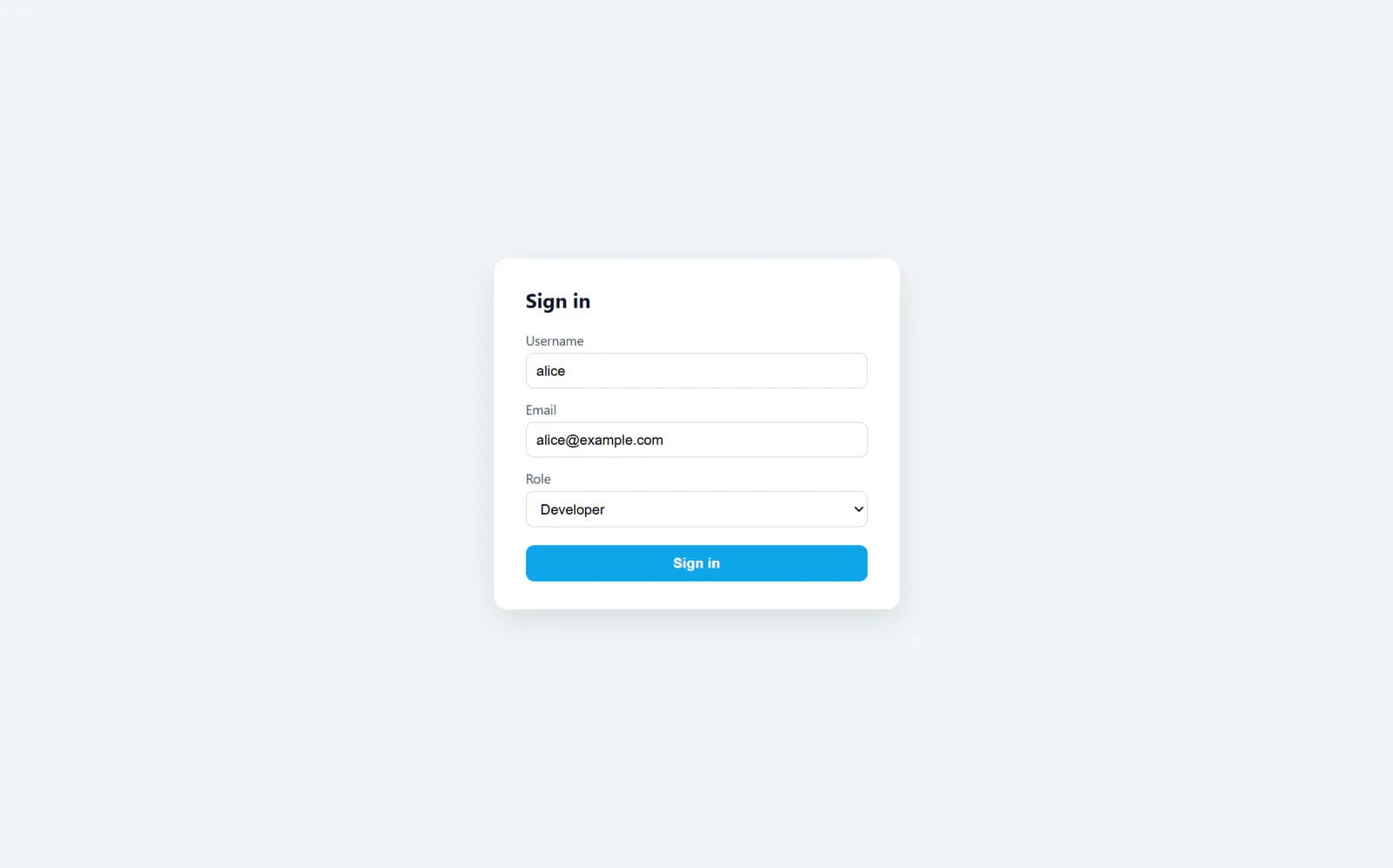
Let the agent fill ordinary fields while a person takes over for CAPTCHAs, sensitive confirmations, or final submission in the same visible window.
Research behind a sign-in
Read authorized signed-in pages in an isolated profile, retain cookies for later tasks, and limit cookie export permissions.
Page debugging and evidence capture
Combine DOM snapshots, CDP commands, action history, and screenshots to inspect interaction failures, with outputs kept in a dedicated download directory.
Assessment
The public materials show a clear value proposition: a real visible browser, human takeover, and a DSH-native tool interface in one path, backed by a documented install command and a complete list of 34 tools. The costs are equally concrete. The agent can run page scripts, access sign-in cookies, and potentially reach local or intranet pages. Platforms outside Windows lack author verification, and the Desktop bridge changes an installed application. Start with a separate profile and public pages, then grant permissions only as the task requires.
Why it may be useful
- Detailed installation, tool, architecture, and security-boundary documentation
- A visible window makes human takeover and review straightforward
- Downloads and screenshots have directory, overwrite, and size protections
- Package releases and fixes were still active on 2026-10-01
What to know first
- Author-reported live verification is limited to Windows
- Cookies are plaintext by default and authentication import and export are high-privilege operations
- The Desktop bridge modifies application files and expands access to sidebar pages
- This review did not install the plugin or run a live browser task
README
dsh-builtin-browser
Overview
A visible browser shared by a person and a DeepSeek Harness agent, with 34 browser_* tools, task-isolated windows, persistent sign-in state, forms, screenshots, downloads, and human takeover. Shared real browser plugin for DeepSeek Harness
Getting started
- Check Node.js, the target DSH profile, and Electron first, then install the npm package with a profile-scoped DSH command. Web users should verify a small public-page task. The Desktop bridge modifies application files and deserves a separate review and backup.
- In a Web profile, the plugin self-hosts Electron. Every DSH task has separate windows, tabs, and history, while sign-in state can persist across tasks.
- The 34 tools cover opening pages, snapshots, clicks, typing, forms, scripts, CDP, screenshots, downloads, cookies, history, and CAPTCHA detection.
- Start the target profile and ask the agent to open https://example.com, read the title, and take a screenshot. Confirm that the visible task window opens and closes with the task, then verify that the screenshot stays inside downloadDir. Do not use a real account for the first check.
Configuration
dsh plugin --profile web add dsh-builtin-browser